
How to Create an App – The Ultimate Step-by-Step Guide for Beginners
Creating a mobile app in 2025 may seem like a daunting task, but with the right guidance, anyone can do it. Whether you have a groundbreaking idea or want to expand your business digitally, learning how to create an app is an essential skill. In this guide, we’ll walk you through every step of the app development journey—from conceptualization to launch and maintenance—using simple language that’s easy to understand.
1. App Development Process – Understanding the Basics
Before diving into coding or designing, it’s crucial to understand the app development process. This involves more than just writing code—it’s about planning, designing, testing, and launching a product that people will love.
Native apps and Progressive Web Apps (PWAs) are the two main types of apps:
-
Native apps are built for specific platforms like iOS or Android. They can fully utilize device features, offering smooth performance and advanced capabilities.
-
Progressive Web Apps (PWAs) are web-based apps that behave like native apps. They are easier to develop, accessible on any device, and can even work offline.
The first step is to define your app idea. Ask yourself: What problem does my app solve? Who will use it? What features are essential? Imagine creating a fitness app that lets users track workouts and connect with personal trainers—this is your concept.
Pro tip: Sketch your idea on paper. Wireframes help visualize navigation and identify essential elements before any coding starts.
For more information on planning your app, visit Entrepreneur’s guide to app development.
2. No-Code App Builder – Create Apps Without Coding
Not everyone is a programmer, and that’s okay! With no-code app builders, you can bring your idea to life without writing a single line of code. Platforms like AppSheet or GoodBarber allow you to drag and drop features, customize layouts, and test your app instantly.
Benefits of using a no-code app builder:
-
Faster development
-
Cost-effective compared to hiring developers
-
Easy integration with existing data sources
-
Preview and adjust your app in real-time
For example, a small business owner can use GoodBarber to create a shopping app with loyalty cards, push notifications, and online ordering—all without technical expertise.
Anecdote: Sarah, a boutique owner in New York, used a no-code platform to create her app in just two weeks. She increased customer engagement by 30% in the first month—proof that no-code tools make app creation accessible to everyone.
3. Mobile App Design – Building UX and UI That Users Love
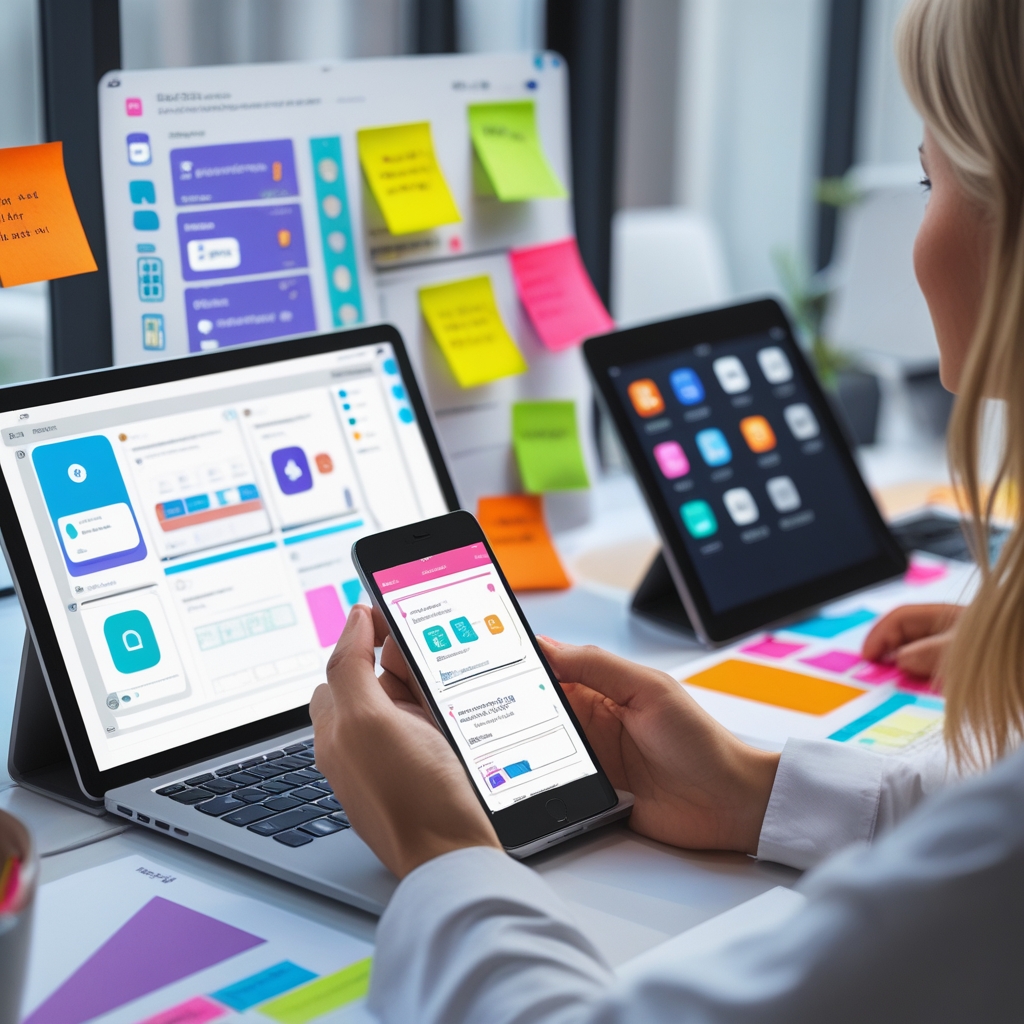
Design is not just about making your app look pretty—it’s about user experience (UX) and user interface (UI). These elements determine whether users will enjoy your app or abandon it after a few minutes.
User Interface (UI) focuses on visual elements:
-
Colors, icons, fonts
-
Navigation menus
-
Buttons and interactions
User Experience (UX) is about how the app feels:
-
Easy navigation
-
Fast loading times
-
Minimal steps to complete tasks
Wireframes and prototypes are essential tools. They allow you to test layouts and interactions without creating a full app. Start simple with a Minimum Viable Product (MVP), then refine the design based on feedback.
Anecdote: John wanted to launch a recipe app. His first prototype was too cluttered. By simplifying the UI and following UX best practices, users started spending more time on the app and sharing recipes with friends.
For tips on mobile app design, check out UX Collective on mobile UX.
4. App Testing and Publishing – Launching Your App Successfully
Once your app is built, testing is crucial. App testing ensures your app works smoothly on all devices and meets user expectations.
Key testing steps:
-
Functional testing: Does every feature work as intended?
-
Usability testing: Can users navigate easily?
-
Performance testing: Does the app handle high traffic or slow networks?
-
Security testing: Are user data and interactions safe?
For iOS apps, use TestFlight to beta-test your app before publishing. For Android, the Google Play Console allows you to manage beta releases.
Publishing is the next step. Both the Apple App Store and Google Play Store have strict guidelines. Prepare metadata like:
-
App name
-
Description
-
Keywords for App Store Optimization (ASO)
-
Screenshots and preview videos
PWAs simplify publishing because they are web-based. You only need hosting and a custom domain to make your app live.
Anecdote: Alex launched his travel app first as a PWA to test market interest. After receiving positive feedback, he invested in a native version for better offline performance.
5. App Monetization Strategies – Make Your App Profitable
Creating an app is exciting, but monetization ensures it’s sustainable. There are several strategies to consider:
-
In-app purchases: Offer premium content or features.
-
Subscriptions: Provide ongoing value, like monthly fitness plans or exclusive content.
-
Advertisements: Integrate ads without affecting UX.
-
Paid apps: Charge upfront for downloading the app.
Example: Duolingo uses a freemium model—free core features with optional subscriptions. This approach helped them reach millions of users while generating significant revenue.
Choosing the right monetization model depends on your audience, app type, and business goals.
6. Progressive Web App (PWA) Creation – The Cross-Platform Alternative
Progressive Web Apps combine the best of websites and native apps. PWAs can be installed on a user’s home screen, work offline, and are SEO-friendly, meaning they can be discovered on Google.
Advantages of PWAs:
-
Cross-platform compatibility
-
No app store approval required
-
Fast development and updates
-
Lower costs compared to native apps
For businesses testing ideas or needing wide accessibility, PWAs are a practical first step.
Learn more about PWAs at Google Developers PWA Guide.
7. Native App Development – When You Need Full Functionality
Sometimes, a PWA isn’t enough, especially if your app requires advanced features like geolocation, camera, or augmented reality. In these cases, a native app is the best choice.
Programming languages for native apps:
-
Swift: For iOS apps, user-friendly and high performance
-
Kotlin/Java: For Android apps, full access to device hardware
-
C# with Xamarin: Cross-platform solution
Anecdote: A gaming startup needed precise graphics and real-time interactions. They chose native development, which allowed full access to device hardware and better performance, resulting in a 4.8-star rating on the App Store.
Hiring a professional developer or agency is an option if the project is complex or time-sensitive.
8. Maintaining and Updating Your App – Keeping Users Engaged
Launching an app is just the beginning. Regular maintenance and updates are key to retaining users and keeping your app relevant.
Tasks for app maintenance:
-
Monitor analytics to track user engagement and retention
-
Release new features and content regularly
-
Fix bugs and compatibility issues with new OS versions
-
Send push notifications to inform users about updates
Anecdote: An e-commerce app added a flash-sale feature and weekly notifications. Customer retention increased by 25%, proving that active updates keep users coming back.
Conclusion
Learning how to create an app is more than coding—it’s about planning, designing, testing, publishing, monetizing, and maintaining a product that users love. From using no-code platforms to exploring native development, the options are vast and flexible.
Remember, a successful app starts with a clear idea, a simple but intuitive design, and consistent engagement with users. Whether you choose a Progressive Web App, a native solution, or a no-code platform, the key is to take it step by step and never stop improving.
With patience, creativity, and the right tools, anyone can transform an idea into a functional, user-friendly app that makes a real impact.